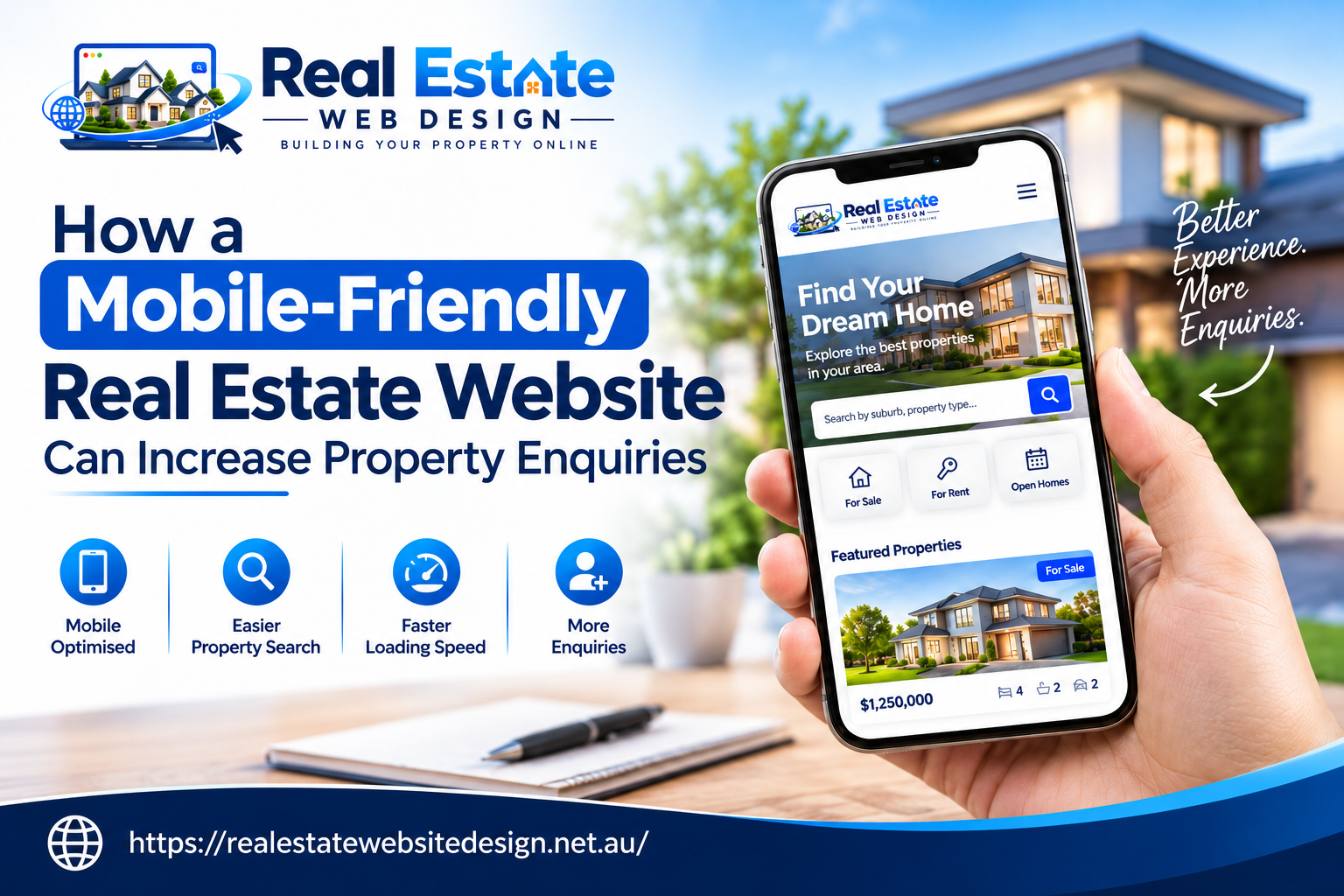
Most property buyers and renters use their phones to explore homes, compare listings and contact agents. They want clear photos, useful property details and a simple way to book inspections.
If your website loads slowly or hides contact details, visitors may leave without enquiring. Effective real estate website design removes these barriers and helps people move from browsing to taking action. It also helps your agency build trust and create a strong first impression.
With clear listings, simple forms and easy navigation, your website can turn more visits into genuine leads. A well-planned mobile experience also supports your search visibility and helps people find your property services.
Why Does Mobile-Friendly Real Estate Website Design Matter?
Property searches can start at any time. Someone may look for a family home during a lunch break or search for a rental while travelling. Your website must work well on the device they use.
A mobile-friendly website adjusts its layout to fit different screen sizes. It keeps text readable, photos clear and buttons easy to tap. Visitors should not need to zoom in or scroll from side to side to find key details.
Google indexes and ranks websites based on their mobile versions. They recommend using responsive web design for websites as it provides a consistent user experience across all devices and is easier for developers to manage.
A mobile-friendly website helps your agency:
- Make property listings easier to explore
- Give buyers and renters quick access to agents
- Improve the experience on small screens
- Support search visibility
- Create more chances to receive enquiries
Strong real estate website design puts visitors first. It helps people find the right information and take the next step without confusion.
6 Ways a Mobile-Friendly Website Can Increase Property Enquiries
1. Turn Property Listings into Lead Generators
Property listings are the heart of a real estate website. Buyers and renters want to see photos, check key features and decide whether a property suits their needs.
Present the most useful details near the top of each listing. Include the property type, location, number of bedrooms, bathrooms and parking spaces. Add a short description that explains what makes the property worth viewing.
Use clear photos that show the home’s rooms, outdoor areas and key features. Google recommends high-quality images with suitable compression because large image files can slow down a website.
Each listing should also include a clear action, such as “Enquire About This Property” or “Book an Inspection”.
Good real estate web design helps visitors explore listings without distraction. When people can find the details they need, they have a clear reason to contact your agency.
2. Make Contact Simple with Clear Calls to Action
A visitor may love a property but leave if they cannot find the agent’s contact details. Make the next step clear on every important page.
Use action buttons such as:
- Book an Inspection for buyers and renters
- Call the Agent for people who want a quick answer
- Request a Property Appraisal for homeowners who may want to sell
- Enquire Now for general property questions
Place these buttons near the relevant information. Use clear labels and enough space around each button to make tapping easy.
Web Content Accessibility Guidelines (WCAG) specifies minimum target-size requirements for many touch controls. Adhering to these guidelines will help make your website easier for people to use. Avoid filling every section of your website with buttons. Each page should have one main goal and should guide visitors towards achieving that goal.
3. Speed Up Your Website to Keep Visitors Moving
Large property photos, maps and search filters can slow down a website. If visitors wait too long for a page to load, they may return to search results and explore another agency.
Improve page speed by:
- Compressing property photos
- Using modern image formats where suitable
- Removing scripts and features your site does not need
- Loading images as visitors reach them
- Checking performance on mobile devices
Google’s Core Web Vitals measure three parts of the user experience: loading speed, responsiveness and visual stability. Google recommends these targets for a good experience:
| Measure | Recommended target |
| Largest Contentful Paint (LCP) | 2.5 seconds or less |
| Interaction to Next Paint (INP) | Under 200 milliseconds |
| Cumulative Layout Shift (CLS) | Below 0.1 |
These figures give your team clear goals when testing the site. Good scores do not guarantee higher rankings, but they help identify problems that may frustrate visitors.
4. Simplify Enquiry Forms for More Leads
Long forms can stop people from making contact. A visitor who wants to ask about an inspection should not need to complete a page full of questions.
Keep your forms short and ask only for details your team needs to respond. A basic form requires users to provide their name along with their email address and phone number while they can send their message.
For inspection bookings, let users select an available date or state their preferred time. Use clear field labels and show which details they must provide.
A good mobile form should:
- Fit the screen without horizontal scrolling
- Use fields that are easy to tap
- Show clear error messages
- Keep typing to a minimum
- Confirm when the form has been sent
After submitting an enquiry form, it is helpful to show a message that explains what happens next. For instance, you can state that an agent will contact the visitor about the property.
A simple process for submitting enquiries allows your team to focus on following up with prospective buyers or renters.
5. Build Trust with Clear Property Information
Buying, renting or selling a property involves important decisions. People want to know that your agency understands their needs and can answer their questions.
Your website should contain accurate listings, information about the agents, your offices and the services that you offer. Add details about the local area to your listings, such as transport links, schools, parks and shops, if this information will help visitors to your website assess a property.
Keep listing details up to date. Remove sold or leased properties from active searches when needed and explain their status if you keep them online as examples of past work.
Experienced real estate website designers can help organise this information so visitors can find it without searching through cluttered pages.
Trust grows when your website gives clear answers, presents accurate details and makes it easy to contact a real person.
6. Make Property Search Easy on Mobile
Visitors need a simple way to narrow down their options. If they must scroll through hundreds of listings, they may give up before finding a suitable property.
Add filters that match common search needs, such as:
- Suburb or postcode
- Property type
- Number of bedrooms
- Sale or rental status
- Key features, such as parking or outdoor space
Make filters easy to open, select and clear on a phone. Show the number of matching properties and let visitors return to their results without starting again.
Maps enable users to visualise property locations in relation to work locations and transportation options and nearby community services.
The real estate website development process needs to test all its features through various devices which should be part of its proper planning. Search tools need to respond quickly to user taps by showing relevant information through their display system.
How Mobile Design Supports Real Estate SEO
A mobile-friendly site can support your search engine optimisation work. Google uses mobile content for indexing, so your mobile pages should include the same key information as your desktop pages. This includes headings, property details, page titles and useful text.
Your agency can also create useful pages for the suburbs and areas it serves. Each page should offer real value, such as details about local property services or the types of homes your agency handles.
Use relevant search terms in page titles and headings where they fit. Add descriptive image text to help search engines and people using screen readers understand your photos. Avoid repeating keywords just to influence rankings.
A strong real estate website design Australia strategy should bring together mobile usability, local search, quality content and fast page loading. These elements help people discover your agency and explore its services.
How to Measure Property Enquiries from Your Website
Website traffic tells you how many people visit your site, but it does not show whether they contact your agency. Track the actions that matter to your business.
Monitor these measures:
- Property enquiry form submissions
- Inspection booking requests
- Clicks on phone numbers and email links
- Visits to key property listings
- Enquiries from organic search
Use your website analytics and form tracking to learn which pages generate the most enquiries. For the listings that receive the most visits but the fewest contacts, review the photos, description, mobile layout and the enquiry button.
You can also compare the results before and after making updates to your website. This allows you to see whether the changes that you made improved the user experience and the number of enquiries that your website generates.
Common Mobile Website Mistakes to Avoid
Small website issues can drive visitors away before they contact your team.
Avoid these common mistakes:
- Small text that forces visitors to zoom in
- Contact details hidden at the bottom of long pages
- Pop-ups that cover property information
- Large photos that slow down loading
- Forms with too many required fields
- Outdated listings or incorrect property details
Test your website on different phones and screen sizes. Search for a property, open a listing, check its details and submit an enquiry. Ask your team to repeat the process and note any steps that feel confusing.
The best real estate web design removes friction at each stage, from the first search to the final enquiry.
Conclusion
A mobile-friendly real estate website helps buyers, renters and sellers find the information they need and contact your agency with ease. Clear property listings, fast-loading pages, simple forms and strong calls to action can turn website visits into genuine enquiries.
Real Estate Website Design helps real estate businesses create websites that support property searches and make it easier for visitors to take the next step. A well-planned website also builds trust and supports your online presence.
Review your website from a visitor’s point of view. Make property details easy to read, keep contact options within reach and test every form on mobile devices. With the right design and regular updates, your website can become a valuable source of property leads and business growth.
Frequently Asked Questions
How Does a Mobile-Friendly Real Estate Website Increase Enquiries?
A mobile-friendly real estate website allows visitors to browse the listings, view photos and get in contact with the agents easily. Simple forms on the website will encourage potential buyers to make enquiries about the properties.
What Features Should a Mobile Real Estate Website Include?
A mobile real estate website should include features such as search filters, property photos, descriptions, contact and enquiry forms and accurate property listings.
Does Mobile-Friendly Real Estate Website Design Help SEO?
Yes, a mobile-friendly website provides a better user experience for visitors. Features such as responsive design, clear content and fast page loading times help improve SEO for a real estate website.
How Can Real Estate Agencies Improve Mobile Website Performance?
Real estate agencies can improve their mobile website performance by compressing images, simplifying forms, improving page speed, testing website navigation and updating their property listings. These changes will help improve the user experience for visitors to their website.